
Granny control guide
Granny game controls for keyboard and mouse
Use WASD to move, the mouse to look, E to interact, Space to drop an item, C to crouch, R to hide, F to use or place certain objects, and the left mouse button for a weapon or spray.
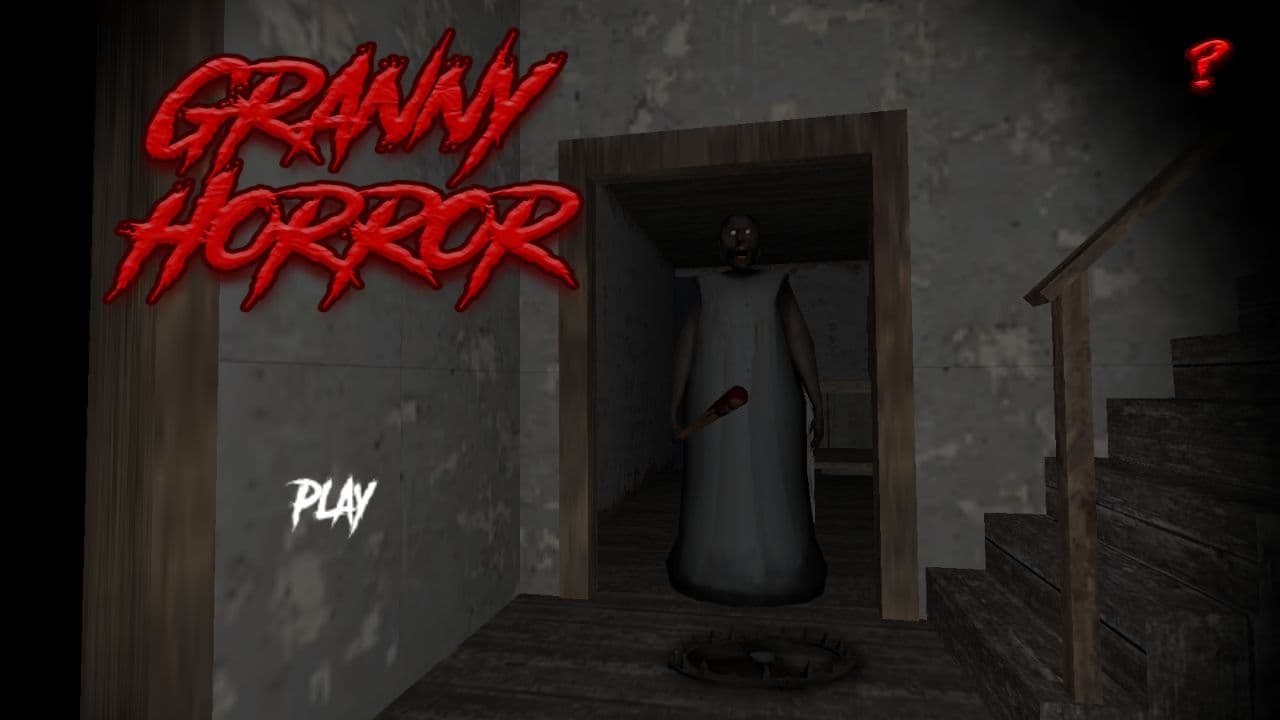
Direct answer
What are the Granny PC controls?
Move with WASD and look with the mouse. Press E to pick up or interact, Space to drop the held item, C to crouch or stand, R to enter or leave a hiding place, and F for actions such as placing an item or escaping a bear trap when the prompt is available. Use the left mouse button to shoot or spray when carrying the matching object, and Escape to pause.
Complete Granny keyboard and mouse controls
| Input | Action | Note |
|---|---|---|
| W / A / S / D | Move forward, left, backward, and right | Use the mouse separately to turn |
| Mouse | Look around and aim | Small movements are easier in tight rooms |
| E | Pick up an item or interact | Face the object and move close enough for the prompt |
| Space | Drop the item you are holding | A hard-floor drop can reveal your location |
| C | Crouch or stand | Useful near low routes and when checking cover |
| R | Hide or leave a hiding place | Do not enter while Granny can see you |
| F | Use or place certain items; remove a bear trap | Follow the current on-screen prompt |
| Left mouse button | Shoot or spray with a compatible item | Does nothing useful without the required object |
| Escape | Pause or open the menu | Pause behavior depends on the current game state |
How to test the controls safely
- 1
Click the game frame
Give the Unity player keyboard focus before deciding that a key is broken.
- 2
Move and look separately
Use WASD for position and the mouse for direction. Test both before leaving the starting area.
- 3
Approach one object
Move close enough for the interaction prompt, then press E once rather than repeatedly.
- 4
Choose where to drop it
Press Space only after deciding where the object should remain. A dropped item can create noise and may need to be found again.
- 5
Test crouch and hiding
Use C to change stance. Use R only beside a valid bed, cabinet, or other hiding place when the game permits it.
The four actions players confuse most often
| Action | Key | When it works | Common mistake |
|---|---|---|---|
| Pick up or interact | E | An object or control is in range | Trying to use the mouse button for every object |
| Drop held item | Space | You are carrying something | Dropping a required item without remembering the room |
| Hide or unhide | R | A valid hiding place is available | Pressing R in open space or while Granny is watching |
| Use, place, or escape trap | F | The current prompt supports it | Treating F as a universal interact key |
Controls are part of the stealth system
The drop key is not just inventory management. A dropped object can create a sound that changes Granny's route. That can be a mistake when you are cornered, or a deliberate distraction when you already know where you will move next. Decide on the exit before using noise as a tool.
Hiding also depends on timing. R can put you into a valid hiding place, but the input does not erase what Granny has already seen. Break line of sight first, reach the hiding place, and enter before she arrives. Crouching with C is a separate stance change and should not be confused with hiding.
If the Granny controls do not respond
- Click once inside the game canvas to restore keyboard focus
- Exit browser find, address-bar focus, or another open input field
- Check that the held item supports the action you are trying to use
- Move close enough for the interaction or hiding prompt to appear
- Refresh the page only after allowing the Unity build to finish loading
Granny control questions
How do you pick up items in Granny?
Move close to the object, face it, and press E when the interaction is available.
How do you drop an item in Granny?
Press Space while carrying the item. Remember that dropping it can make noise and leaves it at that location.
How do you crouch in Granny?
Press C to switch between crouching and standing.
How do you hide under a bed or in a cabinet?
Move beside a valid hiding place and press R. Use R again to leave when the route is safe.
How do you get out of a bear trap?
Use F when the bear-trap action prompt is available.
Test the control reference
Start with movement, interaction, drop, and crouch before carrying an important item into a dangerous room.
Play Granny