
Rocket Soccer Derby control guide
Rocket Soccer Derby controls for keyboard players
Drive with WASD or the arrow keys, jump with Space, use nitro with Shift, and press F to change the camera. Practice the jump-and-boost timing before taking on bots.
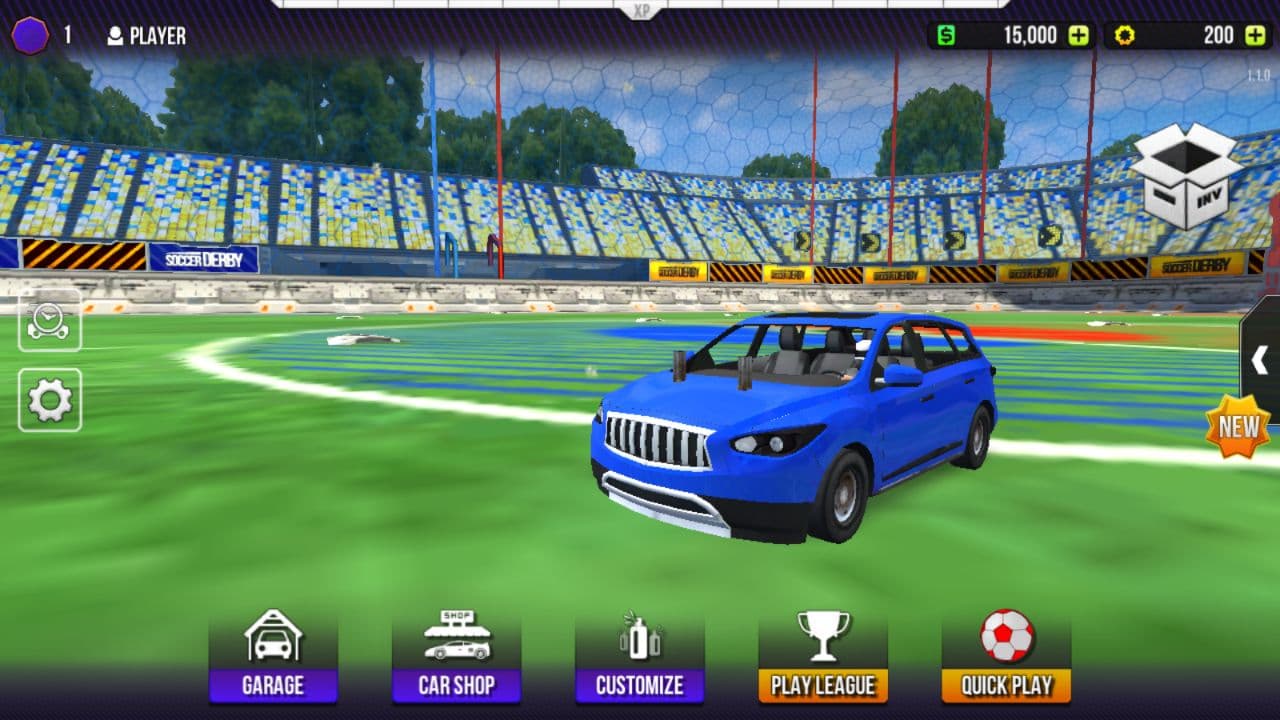
Direct answer
What are the Rocket Soccer Derby controls?
Use W or Up Arrow to accelerate, S or Down Arrow to reverse and brake, and A/D or Left/Right Arrow to steer. Space jumps, Shift activates nitro while boost is available, and F changes the camera view. Click inside the Unity frame first if the browser keeps the keyboard focus.
Rocket Soccer Derby keyboard controls
| Input | Action | Note |
|---|---|---|
| W / Up Arrow | Accelerate | Release before a tight turn instead of steering at full speed |
| S / Down Arrow | Brake or reverse | Use a brief reverse input to recover after overshooting the ball |
| A / D or Left / Right | Steer | The car turns more predictably when its wheels are on the ground |
| Space | Jump | Jump first, then add boost for an aerial challenge |
| Shift | Use nitro | Save some boost for recovery and defense |
| F | Change camera or ball camera | Switch views when the ball leaves the forward view |
How to learn the controls in Practice mode
- 1
Start without bots
Choose Practice so missed touches do not immediately become goals against you.
- 2
Drive a wide circle
Use acceleration and steering without boost until you can face the ball after a turn.
- 3
Test the camera
Press F and compare the available view while approaching from the side and while rotating back to goal.
- 4
Separate jump from boost
Tap Space first and add Shift only after the car leaves the ground. Holding both too early wastes nitro on a low jump.
- 5
Practice recovery
After every shot, turn toward your own goal and keep enough boost to get behind the next play.
Which control matters in each situation?
| Situation | Useful input | Why |
|---|---|---|
| Ground shot | Steer, then accelerate | A square contact is more useful than reaching the ball at maximum speed |
| High ball | Space, then Shift | The jump provides height and the delayed boost extends the approach |
| Ball behind the car | F and a wide turn | Changing the view helps you rotate without guessing the ball position |
| Opponent counterattack | Turn back and conserve Shift | Reserved nitro is more valuable when recovering to goal |
Rocket Soccer Derby control questions
How do I boost?
Hold Shift while nitro is available. Use short bursts so you still have boost for recovery.
How do I jump and fly?
Press Space to jump, then use Shift in the air. Steer before takeoff because large midair corrections are difficult.
Why are the controls not responding?
Click inside the game frame, close any open menu, and then test W and Space. Browser shortcuts can receive input when the frame is not focused.
Can I practice without a match?
Yes. Use Practice mode to learn turning, camera changes, jumps, and boost timing before playing against bots.
Try the controls in Practice
Open the local Unity build and test ground turns, camera changes, and one jump-boost sequence before starting a match.
Play Rocket Soccer Derby