
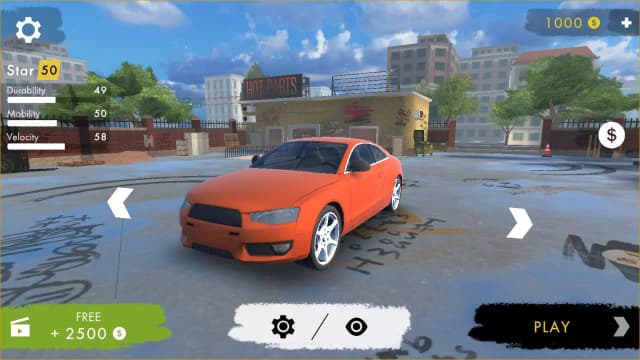
About Hotgear
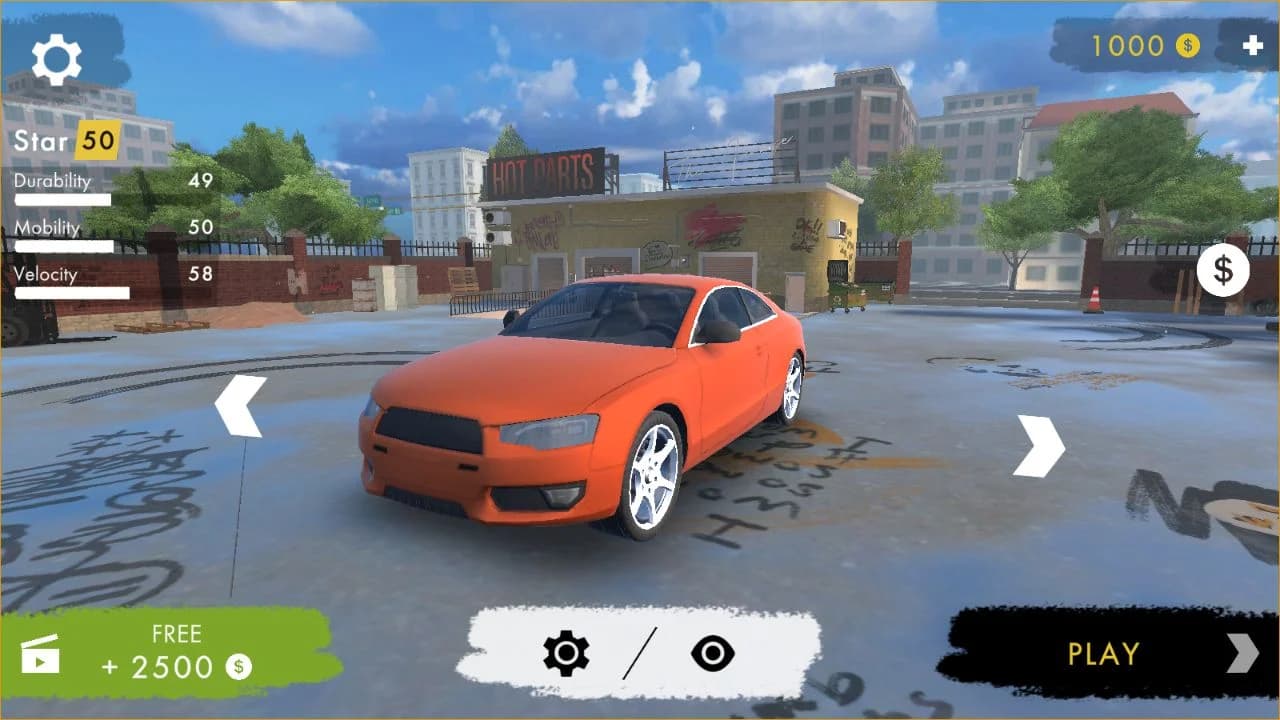
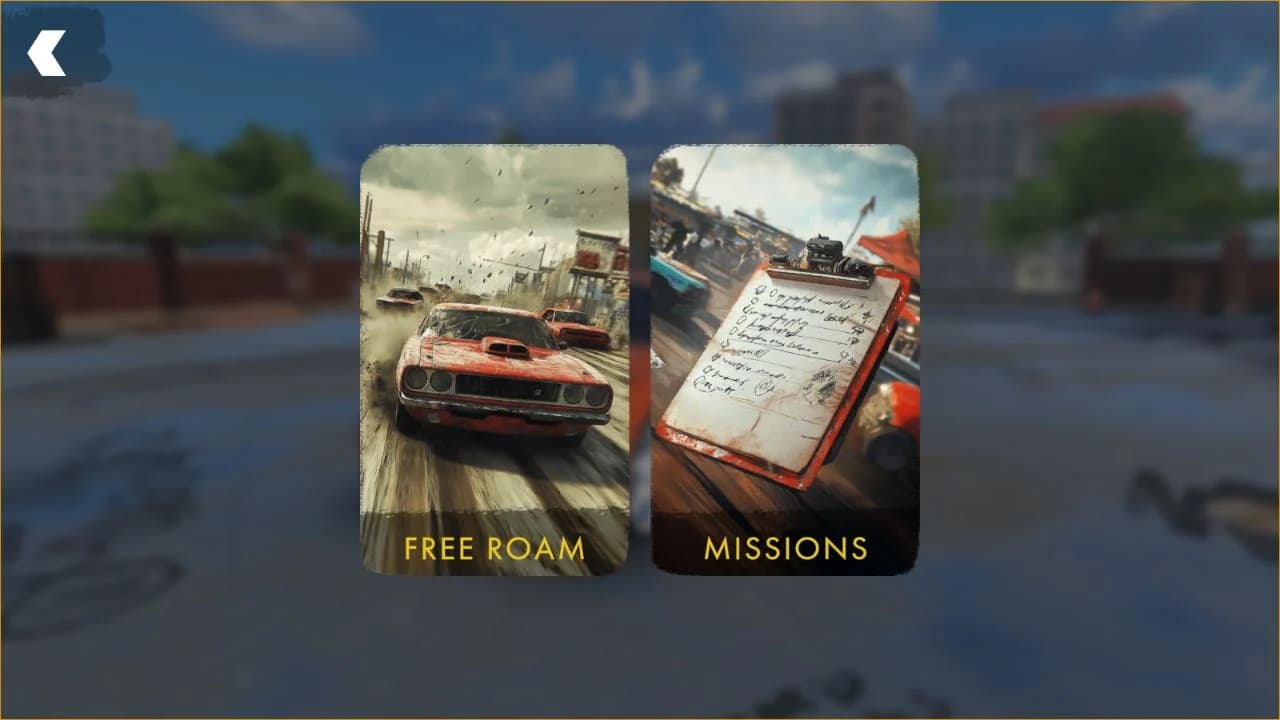
Hotgear is a single-player 3D driving game with two clearly separated ways to play. Free Roam opens the city for an open-ended drive, while Missions provides structured objectives. Before entering either mode, the garage lets you inspect the current car, compare Durability, Mobility, and Velocity, change its setup, and choose when to start. The handling is arcade-focused, so the first few minutes are about learning acceleration, steering response, braking, and recovery rather than mastering a simulation.
This Eovant edition runs from a complete local WebGL build. The Unity engine files, cars, city scene, fonts, sounds, and other Addressables are served by Eovant, while the original advertising SDK and remote advertising configuration have been replaced with local offline behavior. You can reach the garage, choose Free Roam, enter the city, and drive without watching a preroll or connecting to an external game portal.
Driving brief
Vehicle and route brief
- Core objective
- Choose Free Roam or Missions, keep the car under control, and navigate the 3D city without becoming trapped after a collision.
- Genre
- Driving Games and Car Games
- Players
- SinglePlayer
- Mobile support
- The checked local build is designed around desktop keyboard input; a keyboard and a modern WebGL browser are recommended.
How Hotgear Handles
Hotgear begins in a garage rather than placing the car directly on the road. The garage shows Durability, Mobility, and Velocity, then the Play button opens Free Roam and Missions. Free Roam removes the objective timer and lets the player learn steering, braking, recovery, and city routes at their own pace.
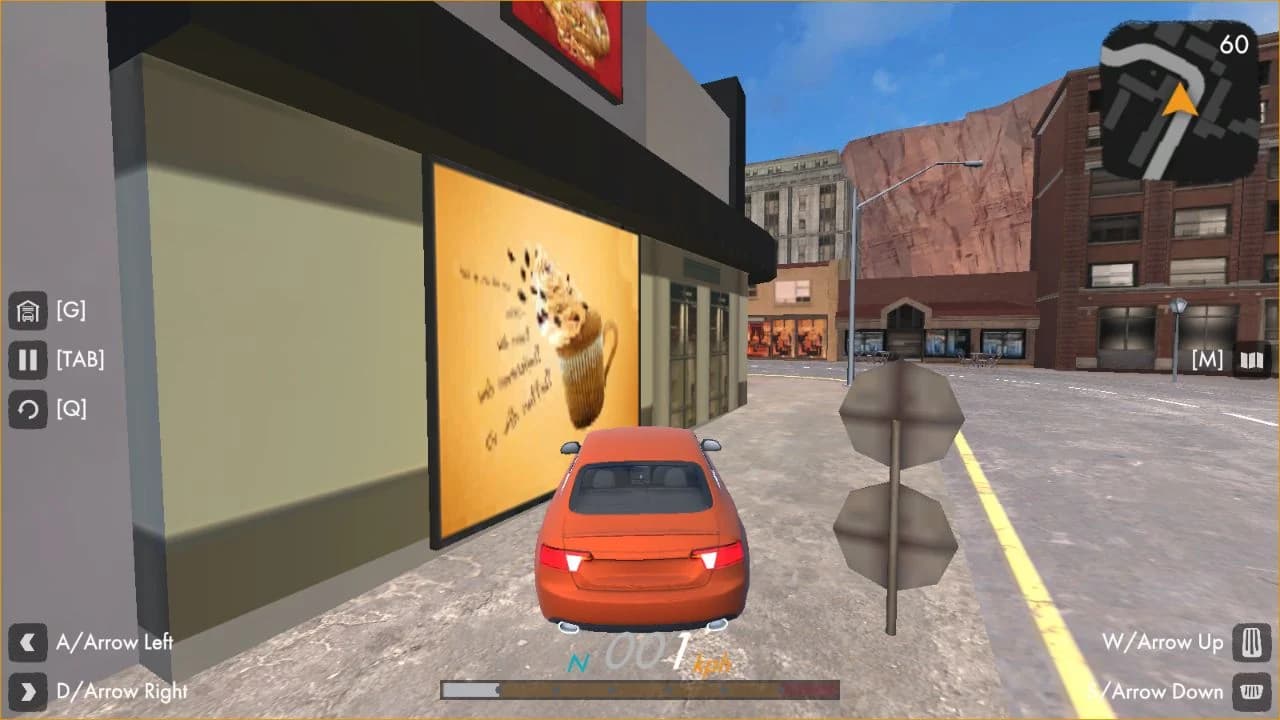
The car has enough momentum to punish late turns. A clean corner starts by reducing speed before the intersection, choosing a visible exit, and accelerating only after the car is aligned. The minimap helps with route planning, while Q returns a stuck car to the road.
Hotgear On the Road
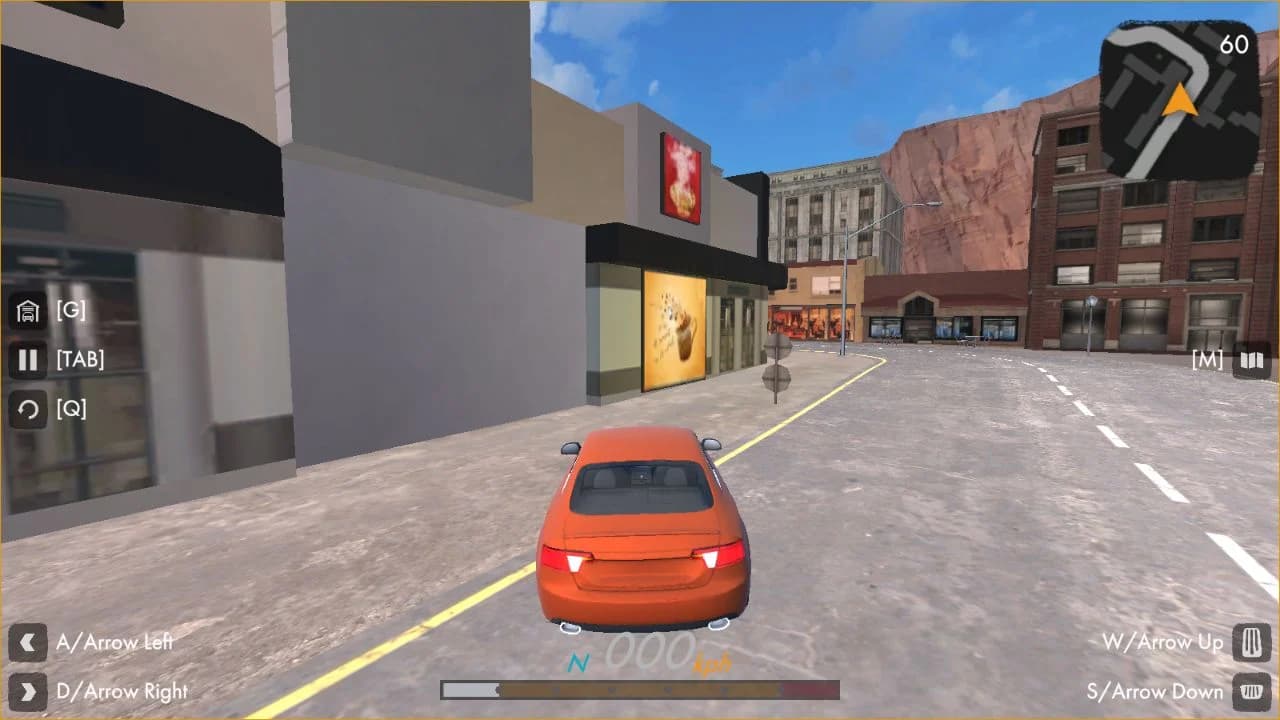
Hotgear Driving Priorities
- Start with Free Roam and complete a clean loop through several city blocks.
- Use normal braking before experimenting with the hand brake.
- Read the minimap before entering an unfamiliar intersection at speed.
- Save nitro for a straight road with enough recovery space.
Hotgear Driving Mistakes
Turning at full speed
Brake before the corner and accelerate after the exit is visible.
Holding the hand brake through the entire turn
Tap Space to rotate, then release it so the tires can recover grip.
Trying to drive away from a trapped collision
Press Q to return the car to a usable road position.
Hotgear Routes and Progression
The checked build separates open practice from structured play. Free Roam is the place to learn the city and car response; Missions adds objectives after those fundamentals are comfortable.
Garage statistics make car choice readable before a session. Durability, Mobility, and Velocity indicate whether the current setup favors resilience, response, or speed.
More Games Like Hotgear
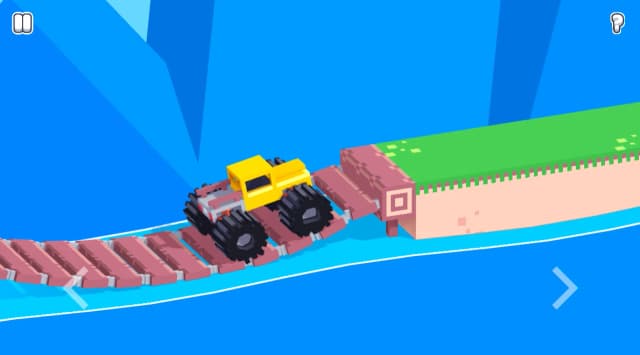
Play Drive Mad - Drive Mad uses short physics obstacle levels, while Hotgear provides a city, garage, Free Roam, and mission selection.
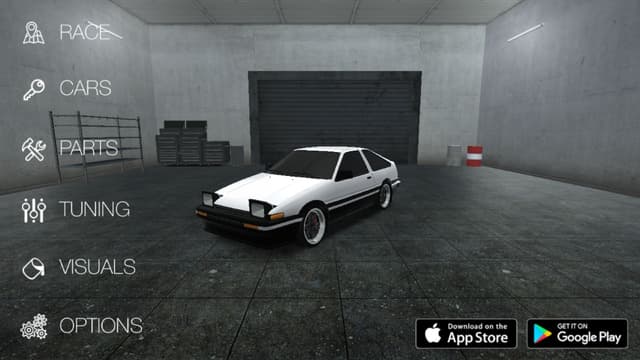
Play Drift Hunters - Drift Hunters centers on drift scoring and tuning; Hotgear combines arcade city driving with Free Roam and Missions.
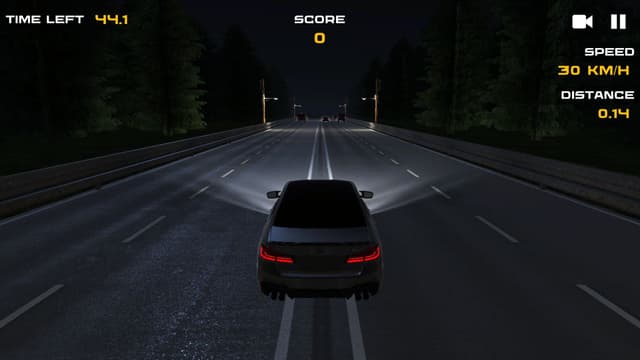
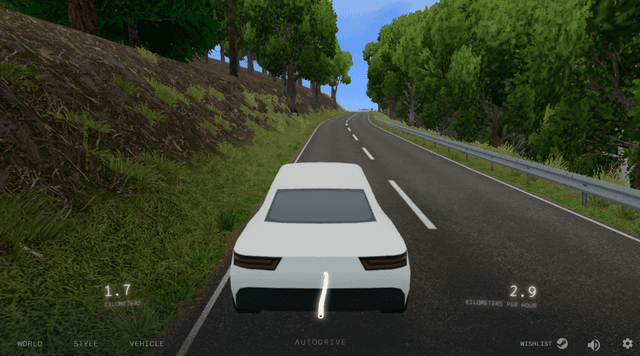
Play Slow Roads - Slow Roads is a calm generated-road drive, while Hotgear uses a denser city, shortcuts, and structured mission play.
Hotgear Features
- Free browser game
- No download required
- Instant play on Eovant
- Fullscreen support
- Responsive game window
- Quick replayable sessions
- Keyboard and mouse support
Frequently Asked Questions About Hotgear
Is Hotgear free to play?
Yes. Hotgear is free to play on Eovant with no download or external checkout.
Can Hotgear be played offline from external game portals?
The game files and required gameplay resources are hosted locally on Eovant, and the advertising and remote portal SDK flow has been replaced with local behavior.
Does Hotgear have Free Roam?
Yes. Select Play in the garage, then choose Free Roam to drive around the city without starting a mission.
What are the Hotgear controls?
Use WASD or the Arrow keys to drive and steer. Press Space for the hand brake and Shift to toggle nitro. Press Q to return the car to the road, G for the garage, M for the map, and Tab for the pause menu.
Does Hotgear include missions?
Yes. The mode screen offers both Free Roam and Missions.
Do ads interrupt Hotgear on Eovant?
No. The local Eovant build uses an ad-free configuration and does not load the original advertising SDK.
How do I play Hotgear online?
Choose a car, enter free roam or missions, and drive through a 3D city with responsive arcade handling. Open the game above to start directly in your browser without a separate installation.
Does Hotgear work on mobile?
Mobile support depends on the game build, browser, and device performance.
Games Like Hotgear

Explore by play style
More Hotgear Games
Find similar browser games by mechanic, pace, or match style. Each collection includes direct game links and a short guide to choosing where to play next.