About Drift Boss
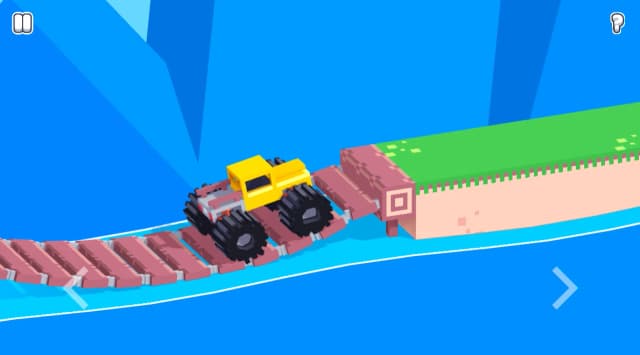
Drift Boss is a browser game built for players who want immediate action without a separate installation. Keep a car on a narrow floating road, drift around sharp corners, and push for a longer distance run. The online version loads directly on this page, so you can begin a session as soon as the game is ready. Its clear visual style and focused objective make it approachable for new players while still leaving room to improve through timing, positioning, and better decisions.
A good Drift Boss run starts with understanding the main objective before rushing ahead. Pay attention to the game world, use the available space deliberately, and learn which actions create the most reliable result. Short sessions make it easy to practise a difficult moment, test a new approach, and return for another attempt. That quick restart loop is one of the strengths of browser play.
Driving brief
Vehicle and route brief
- Core objective
- Keep the car on the floating road by beginning each drift early enough to leave a safe exit from the corner.
- Genre
- Driving Games and Car Games
- Players
- SinglePlayer
- Mobile support
- The external build may offer touch input; a desktop browser gives the clearest view of the next turn.
How Drift Boss Handles
Drift Boss is built around short steering decisions on a road with no guardrails. The car keeps moving, so a correct turn is not only about entering a corner but also straightening before the next one arrives.
Distance rises while the car remains on the route. The useful rhythm is look ahead, begin a controlled turn, then release early enough for the car to settle.
Drift Boss Driving Priorities
- Look at the next corner before finishing the current one.
- Use short steering adjustments instead of holding the control through the entire bend.
- Leave room to straighten after every turn.
Drift Boss Driving Mistakes
Turning only after reaching the corner
Start the drift earlier so the car follows the road rather than cutting across its edge.
Holding the steering input too long
Release once the car is aimed down the next section.
Drift Boss Routes and Progression
Longer runs demand faster route reading because corners arrive with less recovery time.
Improvement comes from repeating a controlled steering rhythm instead of reacting at the last moment.
More Games Like Drift Boss
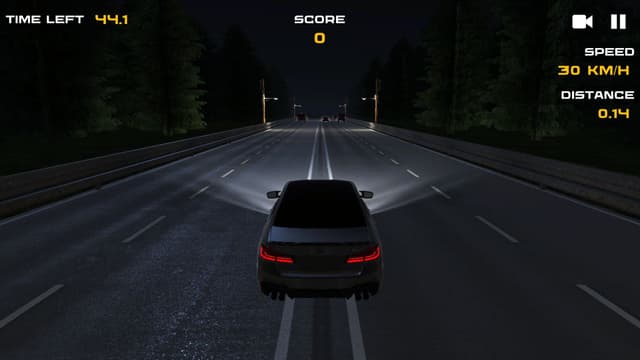
Play Drift Hunters - Drift Hunters focuses on track drifting and car tuning, while Drift Boss makes one-control road survival the main challenge.
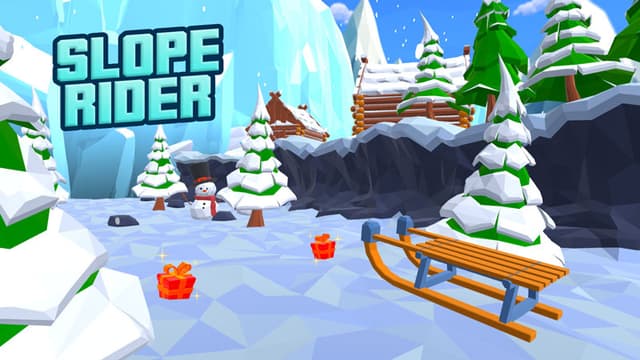
Play Slope Rider - Slope Rider asks for obstacle avoidance on a downhill route; Drift Boss focuses on corner timing on a narrow road.
Drift Boss Controls
Use the steering control displayed inside the external game. Click the frame first if its controls do not respond.
Desktop Controls
- Use the in-game control shown in the embedded build to steer into and out of each corner.
- Click inside the game first if keyboard or pointer input is not reaching the external frame.
Mobile Controls
- Use the touch control shown in the embedded game to steer.
- A wider landscape view can make upcoming corners easier to read.
Drift Boss Features
- Live external game frame
- One-control drifting
- Narrow-road driving challenge
- Distance-based runs
- Fullscreen support
- No Eovant download required
Frequently Asked Questions About Drift Boss
How do I play Drift Boss online?
Keep a car on a narrow floating road, drift around sharp corners, and push for a longer distance run. Open the game above to start directly in your browser without a separate installation.
What are the Drift Boss controls?
Use the in-game control shown in the embedded build to steer into and out of each corner. Click inside the game first if keyboard or pointer input is not reaching the external frame.
Does Drift Boss work on mobile?
Use the touch control shown in the embedded game to steer. A wider landscape view can make upcoming corners easier to read.
Is Drift Boss multiplayer?
Drift Boss is a single-player browser game.
Is Drift Boss free?
Yes. Drift Boss is free to play online on Eovant.
Can I play Drift Boss fullscreen?
Yes. Use the fullscreen button below the game window for a larger play area.