
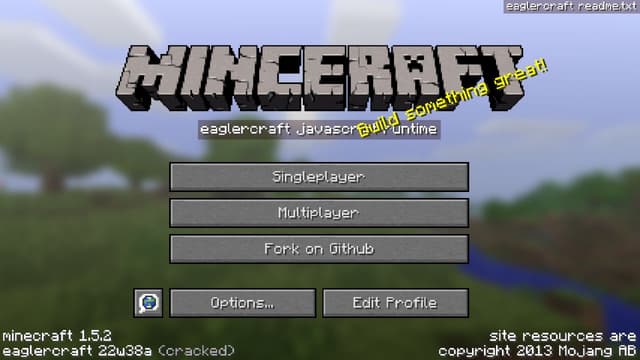
About Minecraft 1.5.2
Minecraft 1.5.2 is a classic sandbox build that brings mining, crafting, exploration, and survival into a block-based world. A new game begins with an open landscape and very few resources. From there, every decision belongs to the player: gather wood, craft basic tools, search for food, build a shelter, or begin shaping a larger creative project. The visual style is simple and readable, while the number of possible goals makes every world feel personal.
This browser edition keeps the familiar Minecraft 1.5.2 single-player loop local and starts without an installer or complicated launcher. You can generate a world, collect blocks, manage an inventory, craft equipment, and save progress in the browser. Multiplayer server lists and outside relays are removed so the page stays focused on standalone play.
Play brief
Game brief
- Core objective
- Explore a classic block-building sandbox, gather materials, and decide whether to build, travel, or survive the current world.
- Genre
- Sandbox Games and Building Games
- Players
- SinglePlayer
- Mobile support
- Keyboard and mouse are strongly recommended for inventory, camera, movement, and block interaction.
The Core Loop in Minecraft 1.5.2
Minecraft 1.5.2 uses an older sandbox rule set where the player gathers blocks, crafts tools, and changes the environment. The first meaningful choice is whether to secure shelter and resources before exploring further.
Inventory space and daylight create practical limits. A short trip with a clear return route is safer than collecting every block while the player is far from a bed or shelter.
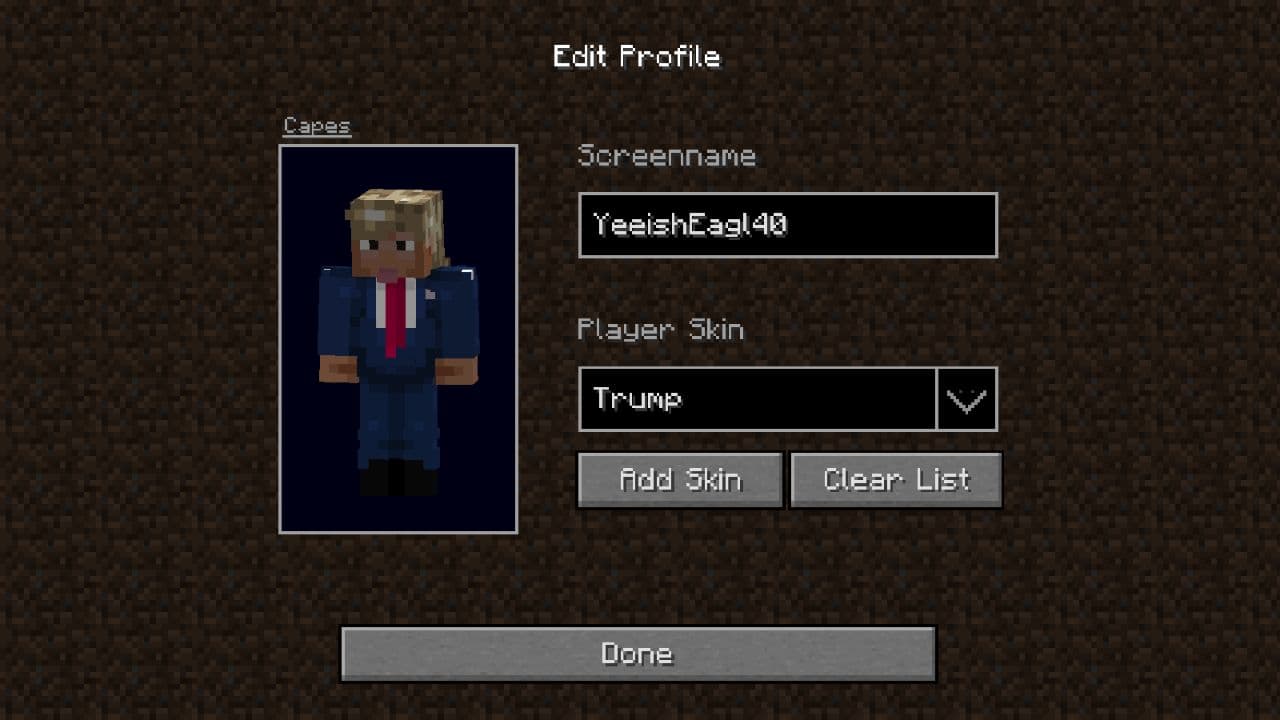
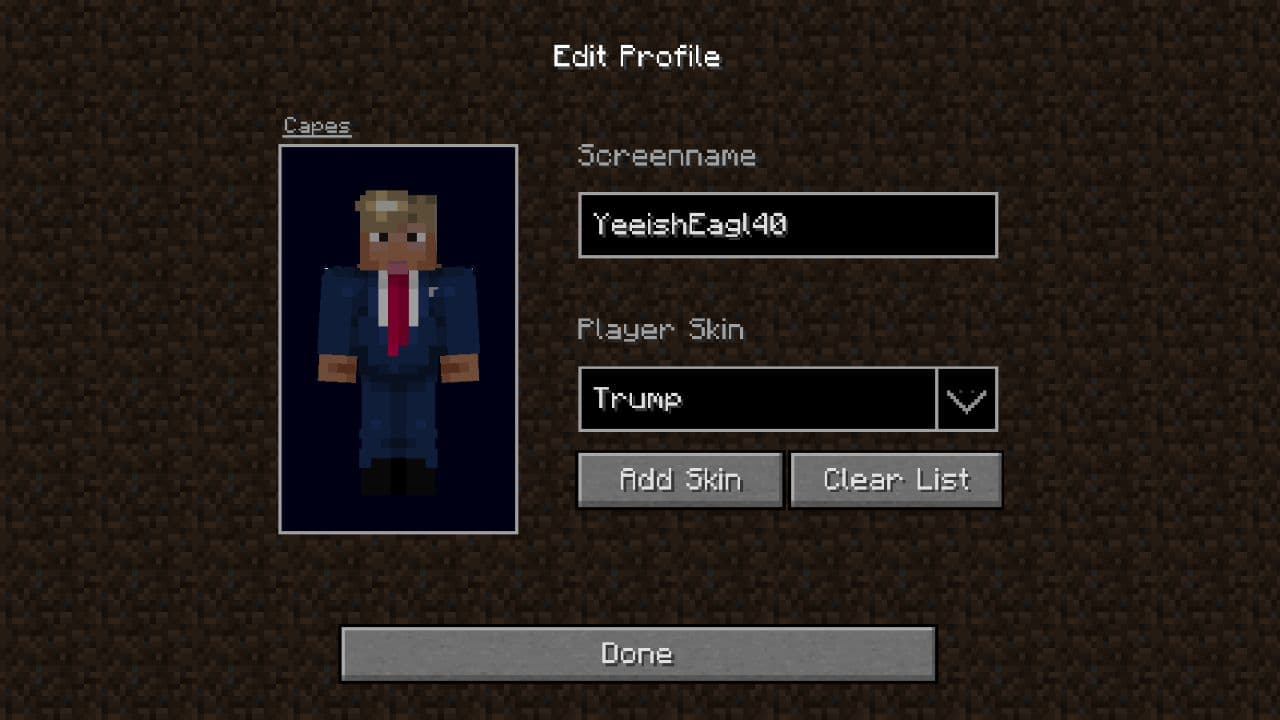
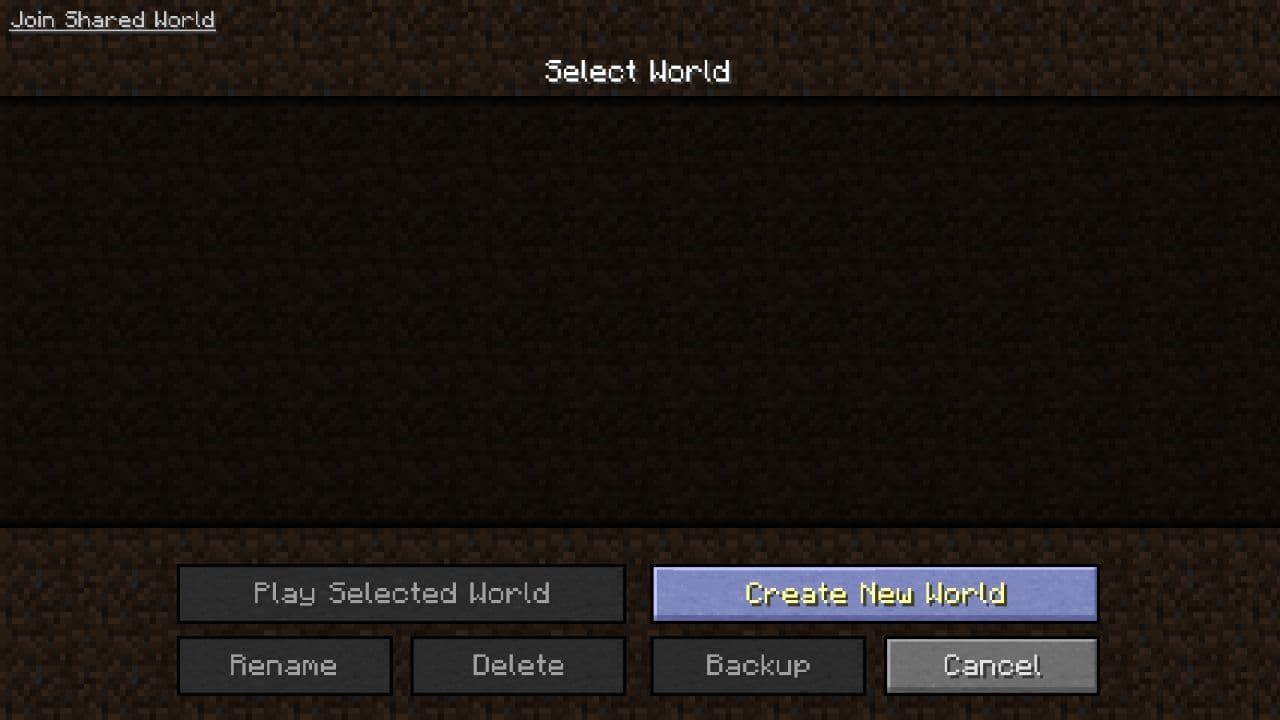
Minecraft 1.5.2 Gameplay Screens
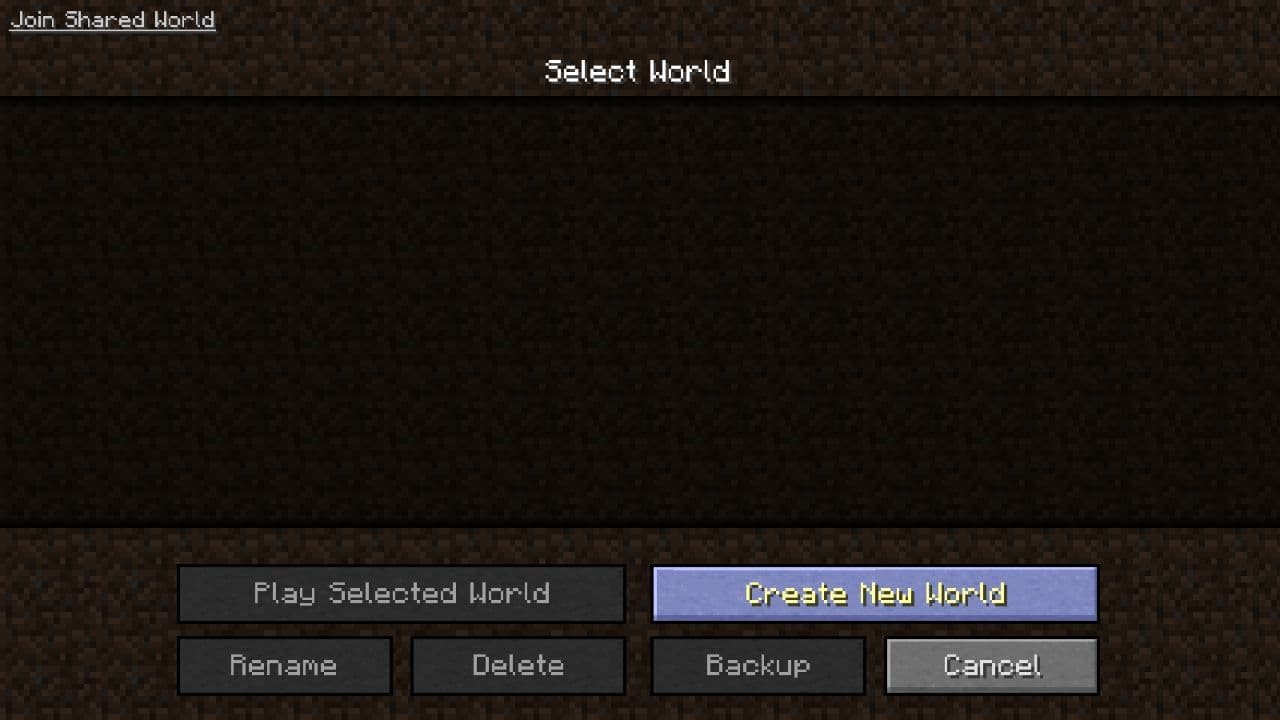
Minecraft 1.5.2 First-Run Priorities
- Collect wood and basic stone before nightfall.
- Mark the route back to shelter.
- Carry only the tools and blocks needed for the next objective.
Minecraft 1.5.2 Common Mistakes
Exploring without a return marker
Build a visible landmark or note coordinates before moving far away.
Spending all daylight mining
Reserve time to create shelter and recover safely.
Minecraft 1.5.2 Modes and Progression
Progress comes from better tools, shelter, resources, and discovered terrain. This older version is a self-contained sandbox rather than a short level game.
More Games Like Minecraft 1.5.2
Play Dadish - Dadish offers authored platform levels; Minecraft 1.5.2 gives the player control over the route and environment.
Play Monkey Mart - Monkey Mart uses a guided shop upgrade loop, while Minecraft leaves progression open-ended.
Minecraft 1.5.2 Features
- Free browser game
- No download required
- Instant play on Eovant
- Fullscreen support
- Responsive game window
- Quick replayable sessions
- Keyboard and mouse support
Frequently Asked Questions About Minecraft 1.5.2
Can I play Minecraft 1.5.2 for free?
Yes. Minecraft 1.5.2 runs directly in the browser on Eovant with no separate installation.
Does Minecraft 1.5.2 include single-player?
Yes. This local build is configured for standalone single-player worlds.
How do I save a Minecraft 1.5.2 world?
World data is stored by the browser on the current device. Keep site storage enabled and avoid clearing it if you want to retain progress.
Does Minecraft 1.5.2 work on mobile?
Mobile support depends on the game build, browser, and device performance.
Do I need to download Minecraft 1.5.2?
No. The engine and game assets load from the Eovant page in a modern browser.
How do I play Minecraft 1.5.2 online?
Explore, mine, craft, and build in the classic Minecraft 1.5.2 browser experience. Open the game above to start directly in your browser without a separate installation.
What are the Minecraft 1.5.2 controls?
Use WASD to move, Space to jump, and the mouse to look around. Use the mouse buttons to mine and place blocks, E to open inventory, and the number keys to select hotbar items.
Is Minecraft 1.5.2 multiplayer?
Minecraft 1.5.2 is a single-player browser game.
Games Like Minecraft 1.5.2
Explore by play style
More Minecraft 1.5.2 Games
Find similar browser games by mechanic, pace, or match style. Each collection includes direct game links and a short guide to choosing where to play next.